
If your business needs fiscalisation, you already have enough software costs to think about.
You need a Point of Sale system to process sales. You need inventory management to know what is in stock. You need reports to understand how your business is performing. And, if your business is required to fiscalise, you need your sales transactions to be recorded and transmitted through a compliant fiscalisation solution.
So why should fiscalisation be another separate software bill?
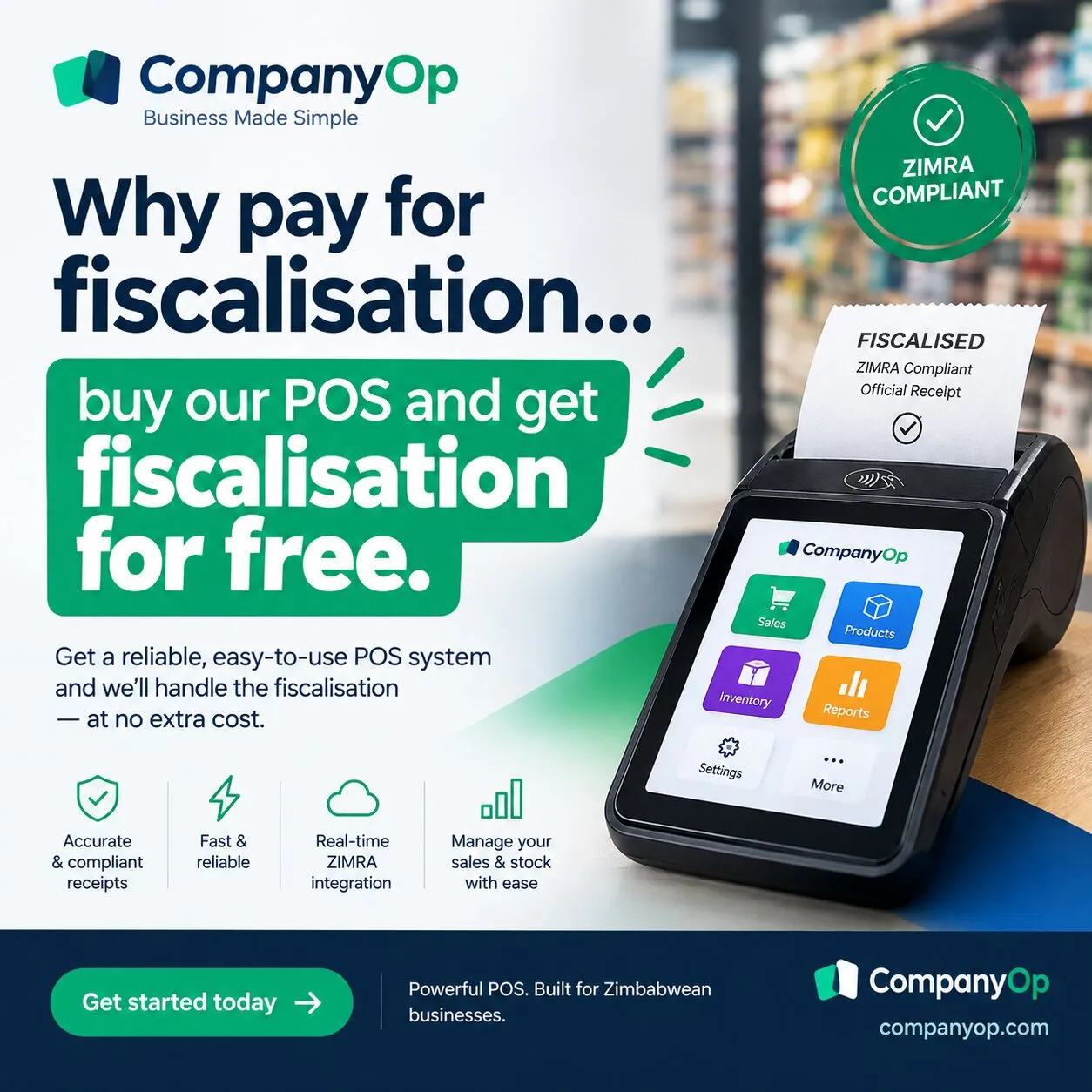
With CompanyOp, you can get your POS and inventory management software with fiscalisation included at no additional software cost.
Fiscalisation Should Be Part of Your POS
Fiscalisation is not something that happens separately from your sales process.
When a customer buys something, your POS records the sale. Your inventory should be updated. Your receipt should be generated. And where applicable, the transaction needs to be processed through the appropriate fiscalisation system.
ZIMRA's current guidance recognises software-based virtual fiscalisation and allows a taxpayer's POS, accounting or invoicing system to interface directly with the ZIMRA Fiscalisation Data Management System (FDMS).
That means your POS and fiscalisation workflow can work together instead of forcing you to manage completely separate systems.
Why Pay Twice?
Imagine paying for:
POS software
Inventory management software
Fiscalisation software
Another integration between the systems
That can quickly become an unnecessary recurring expense for a small or growing business.
CompanyOp takes a different approach.
Buy the POS and inventory software, and fiscalisation is included.
You get one system for managing your sales and stock while your fiscalisation functionality is built into the same workflow.
One Sale. One System.
A good POS should do more than simply calculate the amount a customer owes.
When a sale is made, your business needs to know:
What was sold?
The POS records the transaction.
How much stock was used?
Inventory is updated.
How much did the customer pay?
The payment is recorded.
What receipt should be issued?
The POS generates the appropriate receipt or fiscal document through the configured fiscalisation process.
What information needs to be transmitted for fiscalisation?
The fiscalisation integration handles that part of the workflow.
Instead of moving information between different systems, your sales process starts and ends in one platform.
Your Inventory Is Connected to Your Sales
This is where combining POS and inventory management becomes particularly useful.
Suppose you run a hardware shop.
A customer purchases:
10 bags of cement
5 litres of paint
2 boxes of screws
Your cashier processes the sale through CompanyOp POS.
The sale is recorded.
The inventory quantities are updated.
The transaction is included in your business records.
And the fiscalisation process is handled as part of the POS workflow.
You don't need to enter the same sale into another system just because it needs to be fiscalised.
Fiscalisation Is a Compliance Requirement, Not a Luxury
Fiscalisation is an important part of running a compliant business in Zimbabwe.
ZIMRA states that taxpayers subject to fiscalisation must use compliant fiscal devices and interface with the FDMS. Current ZIMRA guidance also recognises virtual applications and software-based fiscalisation as an option.
For businesses using software-based fiscalisation, ZIMRA provides an API that allows accounting and POS systems to interface with the FDMS.
The important point is that your POS is already where the sale happens.
So rather than buying another piece of software just to fiscalise that sale, it makes sense to have fiscalisation integrated into the sales system.
What You Get With CompanyOp
With CompanyOp, the goal is simple: give your business the tools it actually needs without turning every requirement into another subscription.
With the CompanyOp POS and inventory software, you can manage:
Point of Sale transactions
Products and stock
Inventory movements
Sales
Customers
Payments
Receipts
Sales reporting
Stock information
Fiscalisation
And fiscalisation is included with the POS and inventory software.
No separate fiscalisation software subscription.
Stop Buying Software One Problem at a Time
Your business doesn't need ten different systems that all need to communicate with each other.
You need software that works together.
Your POS should understand your products.
Your inventory should understand your sales.
Your sales records should connect with your financial records.
And your fiscalisation process should be part of the transaction workflow.
That is the idea behind CompanyOp.
POS + Inventory + Fiscalisation
One system. One workflow. One place to manage your sales.
If you are looking for POS and inventory software for your Zimbabwean business, you can get started with CompanyOp and have fiscalisation included as part of the POS software.
Why pay separately for fiscalisation software when your POS can handle it?
Visit CompanyOp and see how the platform can help you run your business from one place.